
Anniversary Photo to Video AI Keepsake Guide
Plan a consent-first anniversary photo-to-video keepsake with Facenova, from photo selection and prompt framing to disclosure, overlays, and romantic template routing.
Anniversary Photo to Video AI Keepsake Guide
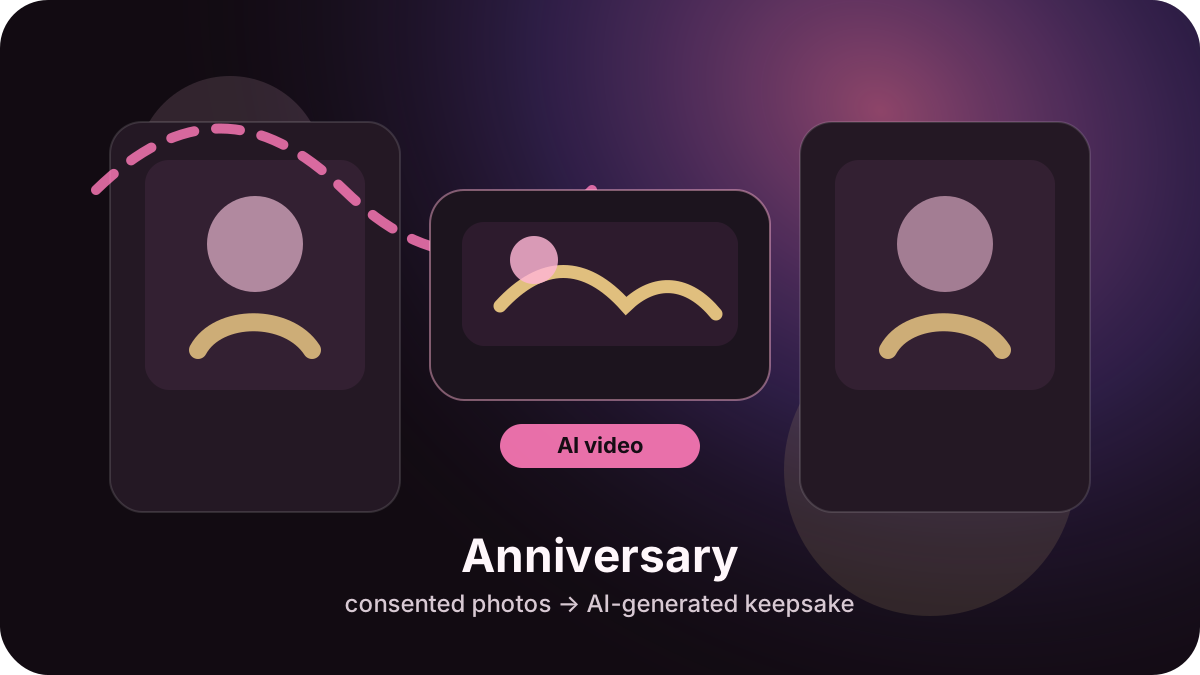
To make an anniversary photo-to-video keepsake, start with consented adult couple photos, keep the AI motion gentle, avoid asking the model to invent names or dates, then add accurate anniversary text, music, or captions in post. The safest Facenova flow is a stylized memory clip, not a claim that the video is camera-recorded footage from the anniversary.
Choose the right anniversary source photos
Use photos both people have agreed can be transformed. Strong inputs are clear portraits, wedding or travel memories, dinner photos, ring or gift details, and warm shared moments with simple backgrounds. Avoid screenshots, dark images, crowded group photos, minors, age-ambiguous romantic scenes, celebrities, or photos where one person has not consented.
Anniversary videos usually look better when the requested movement is subtle: a slow push-in, floating photo-card transition, warm light sweep, or soft cinematic glow. Complex body motion, realistic kissing, hand movement, or dance choreography can create face drift and distorted fingers.
Recommended Facenova workflow
- Open Facenova and choose a romantic or couple-memory template that matches the tone.
- Upload eligible photos with rights and consent.
- Use prompt language such as AI-generated anniversary keepsake, warm memory lighting, gentle camera push, and tasteful couple framing.
- Avoid requesting exact text inside the generated video. Add verified names, dates, vows, captions, or song information afterward in an editor.
- Review the output for identity changes, extra hands, distorted rings, unintended intimacy, or misleading realism before sharing.
Prompt and negative prompt guidance
A safe prompt can say: AI-generated anniversary keepsake video from consented adult couple photos, warm calendar-date memory mood, gentle camera push-in, soft romantic glow, natural adult couple framing, tasteful photo-card-to-video transition.
Useful negative prompt terms include: minors, non-consensual intimacy, celebrity likeness, camera-recorded-video claim, unreadable date text, face swap, extra hands, distorted rings, unsupported song lyrics.
Disclosure and sharing
Describe the final clip as AI-generated or stylized. Do not imply it proves a real event happened exactly as shown. For public posts or client work, keep records of photo permissions and music rights, and review /ai-disclosure before publishing.
Related examples and templates
Compare /examples/anniversary-photo-to-video for a focused example, /guides/romantic-photo-to-video for the broader romantic workflow, and /templates/couple-memory-glow when the goal is a warm memory-based result.
Create your AI photo video
Open Facenova, choose the matching romantic process, and keep the same consent and disclosure checks from this guide.